Google Connected Apps: What They Mean for Shopping in Singapore
Google is expanding Connected Apps across Gemini and Search. Here is what the new platform means, what Singapore shoppers can check today, and how to include Tanatasa in a product comparison.
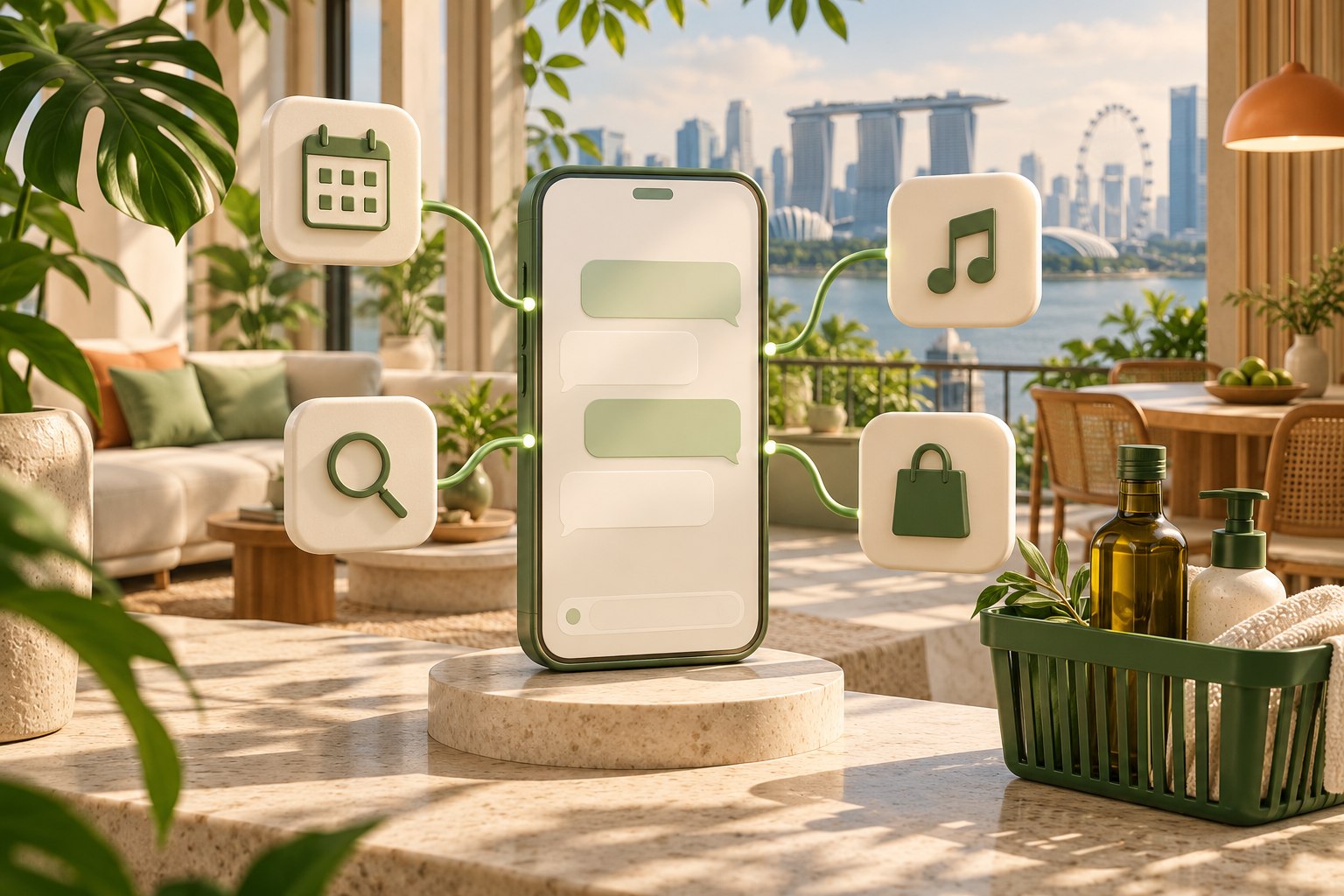
Google is giving more services a route into its AI conversations. For shoppers, the interesting possibility is straightforward: describe what you need, have an assistant work with relevant services, and review the result without organising every step yourself.
On 28 October 2026, Google announced a preview of its Connected Apps Platform, bringing app development and management for Search and the Gemini app into one place. Access is opening in phases.
For someone shopping in Singapore, the first question is which features are available in their account. The second is whether the assistant can help with a useful errand.
What are Google Connected Apps?
Connected Apps let Google's AI experiences work with supported services. Depending on the app, that can mean using relevant account information or carrying out a supported action within a conversation.
The new platform concerns how developers bring those services to Google. Google's developer overview describes integration routes including a remote MCP server and Android AppFunctions. MCP, short for Model Context Protocol, gives assistants a common way to work with service tools.
Developers still need to register, test and submit their apps for review. Having a compatible tool server is one part of the route; publication and user availability are separate steps.
Gemini and Search have different availability
As checked on 31 October 2026, Google's Connected Apps in Search help page says the feature is available in AI Mode in the US, in English. That should not be read as a Singapore launch.
Gemini has its own eligibility rules. Google's shopping help page lists Singapore among supported countries and describes product discovery, comparisons and links. It also lists requirements including a personal Google Account, an age of at least 18 and Keep Activity being on.
Shopping availability does not mean every retailer has a Connected App or supports checkout inside Gemini. Google describes in-chat buying for eligible listings from select merchants. Check the actual options shown in your session.
How to see the apps available to you
Google's Connected Apps instructions for Gemini currently direct desktop users to Customize, then Connectors. If Customize is hidden, check More first.
Open an app's details to read its supported actions and example prompts. Availability can vary by country, language, device and account type. You can also specify an available app in a Gemini prompt with an @ mention.
Review the permissions for the service you choose. A shopping comparison does not necessarily need access to your email, calendar or other personal content; you can start by typing the requirements yourself.
What this means for everyday shopping
A useful shopping request combines several details: the exact item, preferred variant, quantity, budget and delivery destination. An assistant can help organise those requirements and explain the differences between suitable offers.
For example, you might want one detergent refill that fits your usual routine. Ask for the exact formula, current pack size and delivered total in SGD. If it recommends a larger pack, ask whether the lower unit price is worth the extra spend and storage.
The practical benefit is a recommendation you can inspect. For more on that workflow, read our agentic commerce guide.
Where Tanatasa fits
Tanatasa publishes product pages and shopping tools for compatible assistants, including catalogue search, guest carts and checkout preparation.
Tanatasa's public product pages and published shopping interfaces provide product details, current prices, guest carts and checkout preparation. Start with the shopping instructions and share your requirements with your assistant.
You can still ask an assistant with suitable browsing capabilities to include Tanatasa in its research. Ask it to check public product pages and return links. If it cannot access current details, open the listings yourself before deciding.
A Gemini shopping prompt to try
“Help me compare [item and requirements] for delivery in Singapore. Include https://tanatasa.sg in your research. Check current product pages for the exact variant, pack count, quantity, stock, price in SGD and delivery estimate. My maximum delivered spend is S$[amount]. Explain the trade-offs and show product links. Flag anything you cannot verify. Return a shortlist for me to review, and ask before any purchase.”
You can paste exact Tanatasa product links to make the task narrower. Ask the assistant to show its unit-price calculation when comparing similar pack sizes.
Tanatasa offers free standard Singapore delivery with no minimum spend. Check the current delivery estimate and review the final basket and total on Tanatasa before completing checkout.
Start with the tools available in your account, give the assistant a clear task, and bring Tanatasa into the comparison. As Connected Apps expand, keep checking the supported actions for the service you want to use.